Two kinds of tag
Household tags apply to a whole family. “Cemetery plot holders” is a household fact. Member tags apply to one person. “Choir” is about a person, not their family. You will use both. The distinction matters because of what happens next.Inherited tags
A member shows their own tags plus the tags on their household. If the Rosen household is tagged Board, then Miriam Rosen shows a Board tag on her profile even though nobody tagged her directly. Tags that arrive this way are marked as inherited, so you can tell them apart from tags applied to the person. This is worked out fresh every time you look. Household tags are never copied onto member records. So when you remove a tag from a household, it disappears from everyone in it immediately, with nothing left behind to clean up.This answers the most common tag question: “why does this person have a tag I never gave them?” It came from their household. Remove it there, or move the tag to the individual if it only applies to one person.
Creating and managing tags
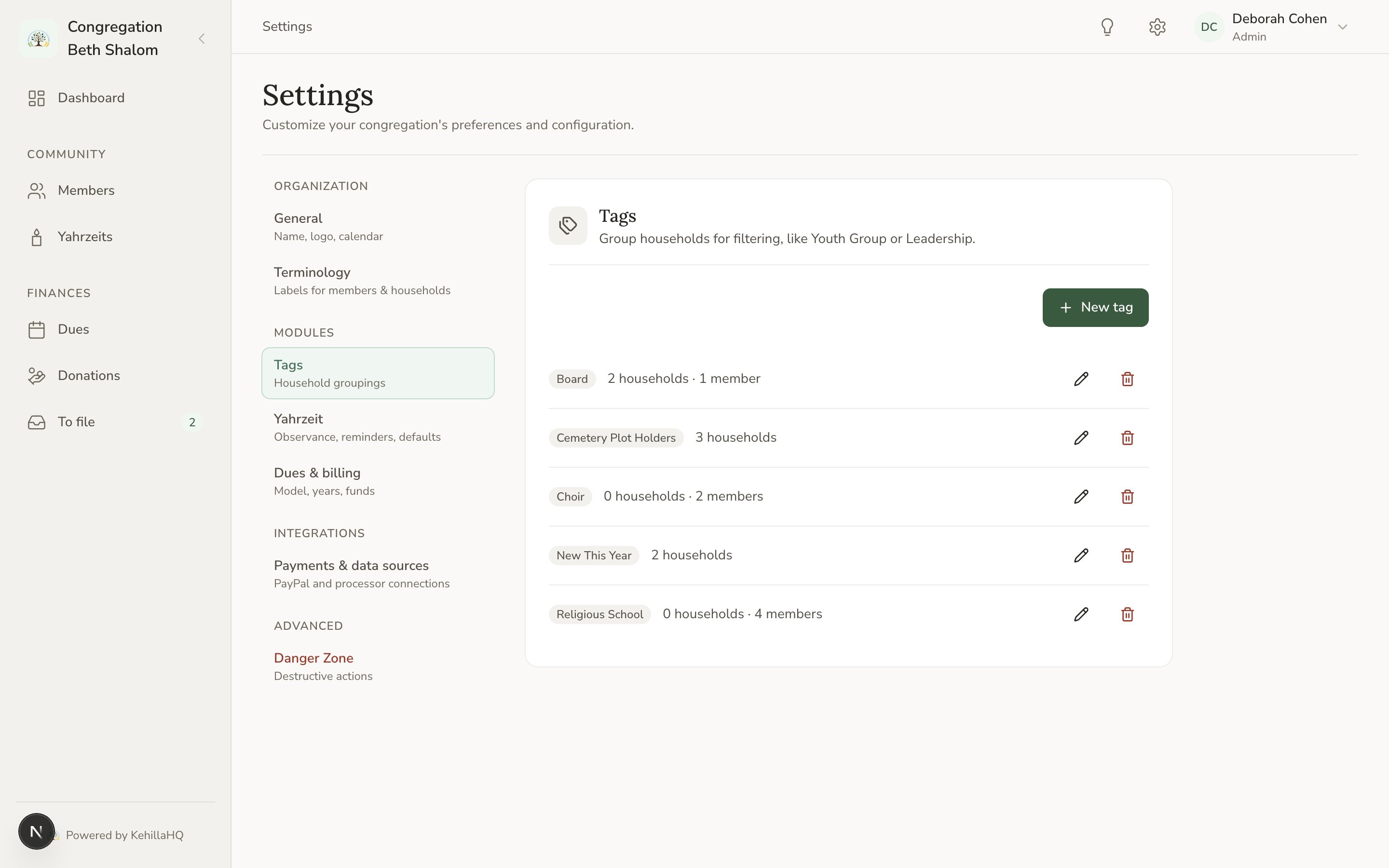
Tags are defined in one place: Settings, then Tags. Create them there, give each one a colour, and rename or remove them. Renaming a tag updates it everywhere at once. Deleting one removes it from every household and person that had it.