
Who can do this
In KehillaHQ, Admin and Financial Admin can connect and disconnect Zeffy. Board Member can see whether the connection is healthy but cannot change it. In Zeffy, only the owner of your Zeffy account can create the key that KehillaHQ needs. If the owner is someone else, such as your president or the person who first set up Zeffy, ask them to create the key (steps 1 and 2 below) and send it to you. Ask them to share it privately, not in a group email.What gets brought in
- Online donations made through your Zeffy forms, from the start date you choose.
- The donor’s name and email, used to match the gift to a member or household.
- The fund, when the Zeffy fund’s code or name matches one of your funds in KehillaHQ.
- Tributes and messages: “In memory of” or “In honor of” with the name the donor entered, plus answers to any free-text questions on your Zeffy form. These are saved as the gift’s note.
- Refunds. If a gift is fully refunded in Zeffy, it is marked Refunded in KehillaHQ and stops counting in your totals.
What is not brought in
- Cash and checks you typed into Zeffy by hand, and gifts imported into Zeffy from a spreadsheet. Most congregations also record these directly in KehillaHQ, so bringing them in would count them twice.
- Payments in Canadian dollars. KehillaHQ records US dollars only.
- Addresses, phone numbers, and card details.
A partial refund does not change the gift in KehillaHQ: it keeps counting at its full amount. If you give part of a gift back, edit the amount in KehillaHQ yourself.
Connecting, step by step
1
Open the Zeffy card
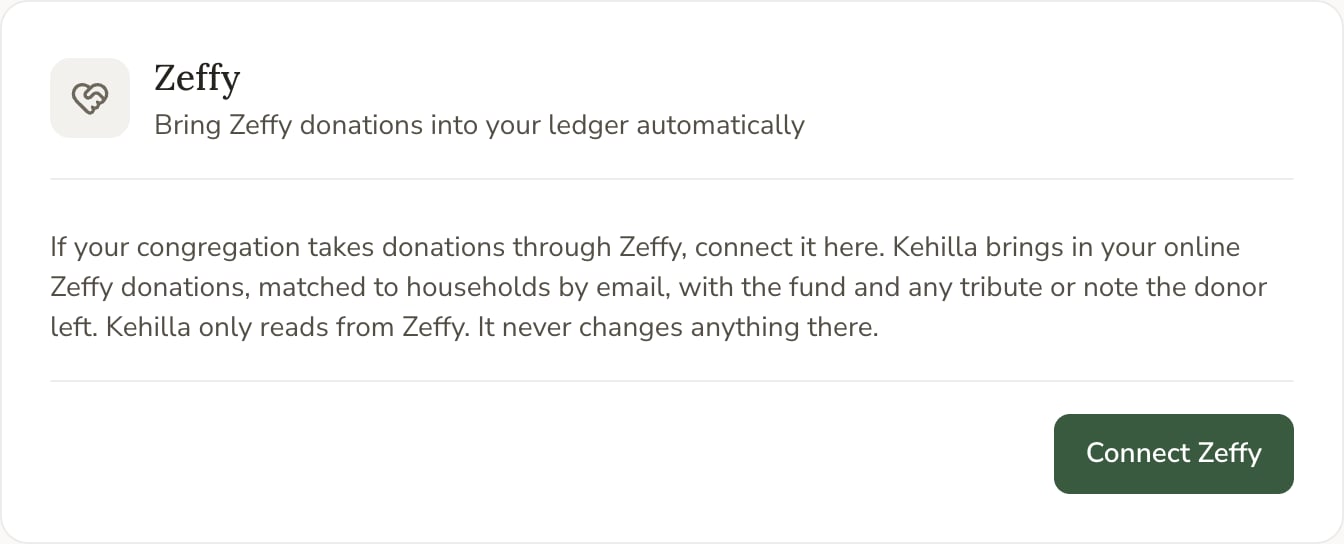
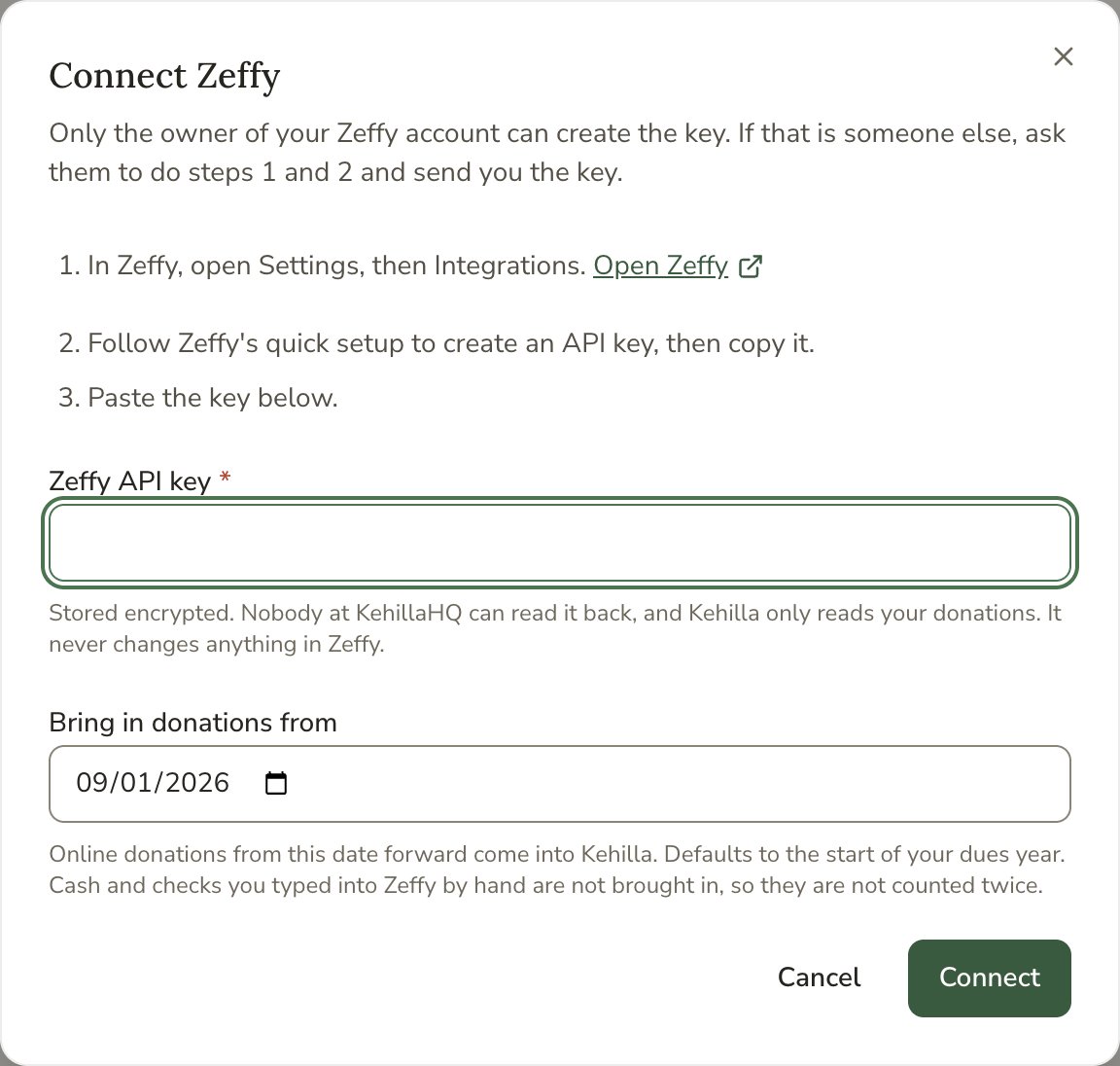
In KehillaHQ, go to Settings, then Payments and data sources, and click Connect Zeffy. The window that opens lists the same steps you are reading now.
2
In Zeffy, open Settings, then Integrations
The Open Zeffy link in that window takes you straight there in a new tab. Sign in to Zeffy as the account owner if you are asked.
3
Create an API key in Zeffy and copy it
Follow Zeffy’s setup to create an API key, then copy it. Treat it like a password: anyone with the key can read your Zeffy donations.
4
Paste the key into KehillaHQ
Back in KehillaHQ, paste the key into Zeffy API key.
5
Choose where history starts
Bring in donations from decides how far back KehillaHQ looks. It starts at the beginning of your dues year. Choose a later date if you already recorded earlier Zeffy gifts in KehillaHQ by hand, so nothing is counted twice. Nothing dated before this day is ever brought in.
6
Click Connect
KehillaHQ checks the key with Zeffy, saves it, and brings in your donations right away. A message tells you how many are waiting to be filed.
How your key is held
The key is encrypted before it is stored and is never shown again, not to you and not to anyone at KehillaHQ. To change it, click Update key and paste a new one. Updating the key keeps your history where it is.Once connected
The Zeffy card shows Connected and when it last brought in donations. New donations arrive on their own every few hours. You do not press anything.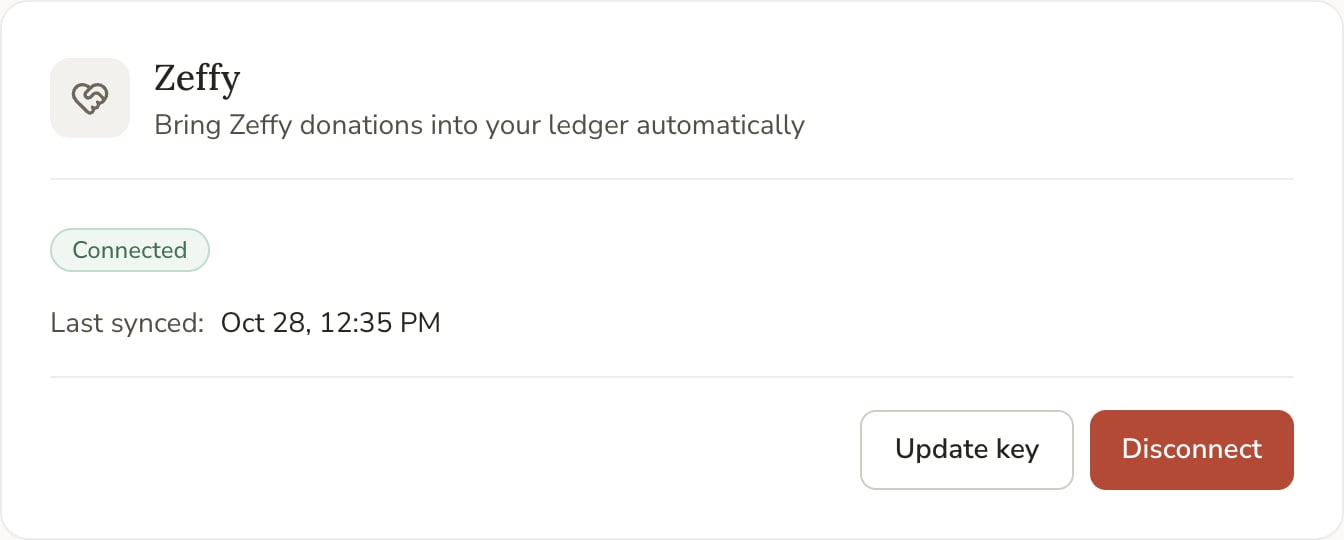
Watch for double-counting
- Stop entering Zeffy gifts by hand once the connection is live. Let them arrive.
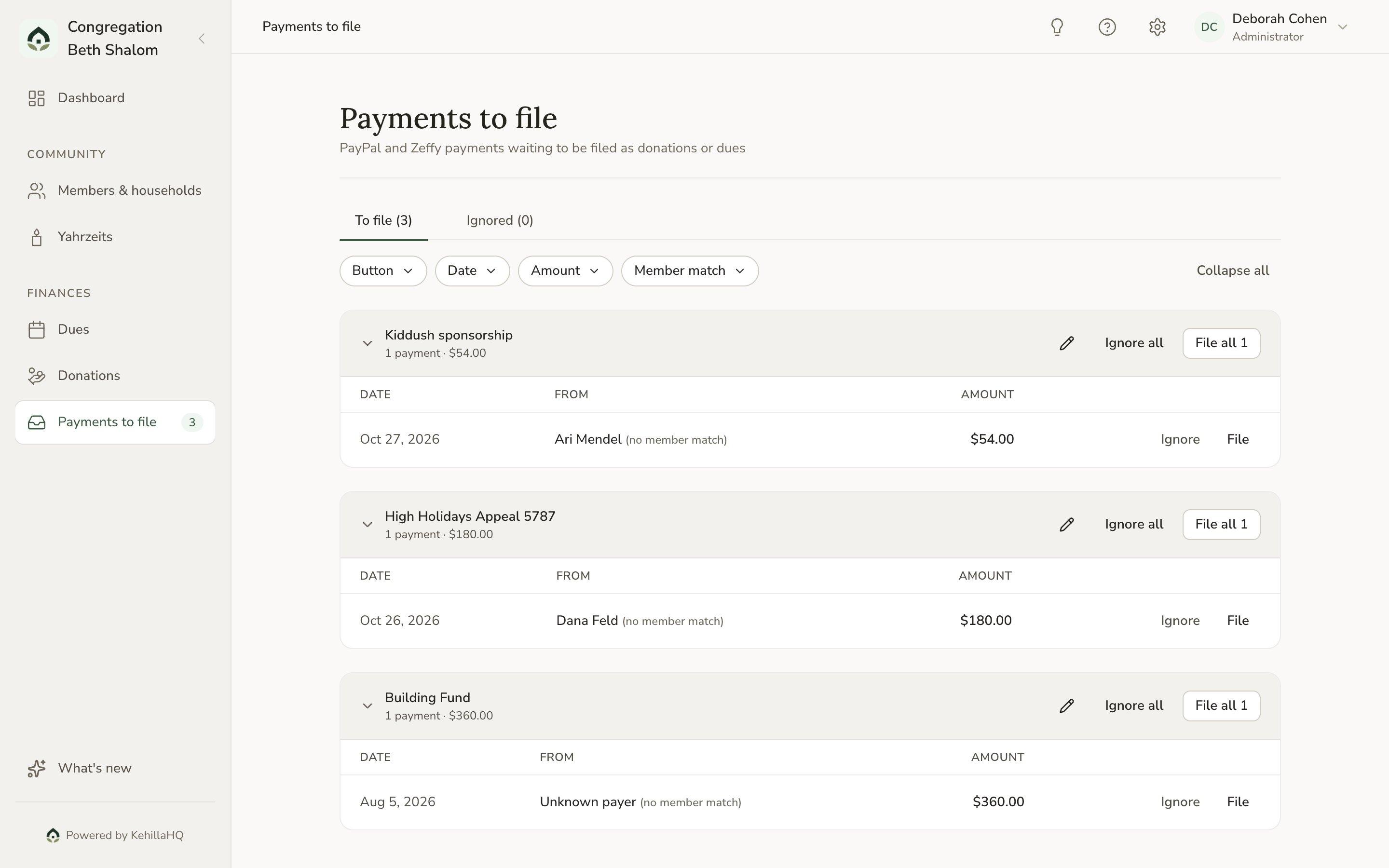
- If a gift you already recorded by hand comes in anyway, choose Ignore in Payments to file rather than filing it. Ignored gifts don’t come back on later syncs.
Disconnecting
Click Disconnect on the Zeffy card. This deletes the saved key and stops bringing in Zeffy donations. Donations already in your ledger stay where they are, and nothing changes in Zeffy. You can reconnect any time.If the connection stops working
The Zeffy card shows a message when something goes wrong.- Zeffy did not accept the saved API key. The key was deleted or replaced in Zeffy. Ask the account owner for a new key and click Update key.
- It will retry automatically. Zeffy could not be reached for a moment. KehillaHQ tries again on its own, and nothing is lost in the meantime.