
General
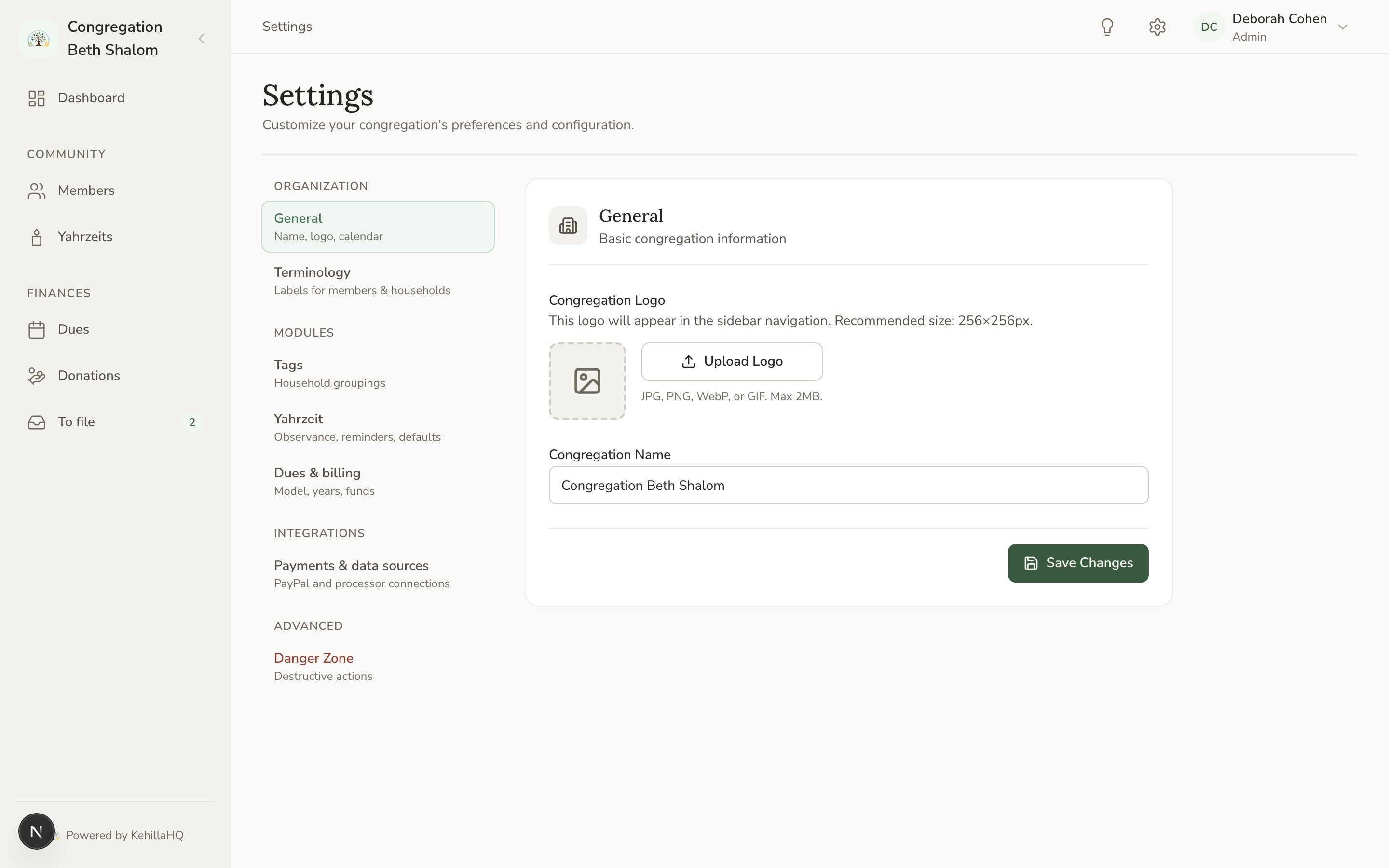
Under Organization, choose General. There are two things here. Congregation name. This appears at the top of the sidebar, in your reminder emails, and anywhere the system refers to your community by name. Write it the way your members would say it, for example “Congregation Beth Shalom” rather than “CBS”. Logo. Upload an image and it replaces the default mark at the top of the sidebar. A square image works best, because that is the shape it is displayed in. Remove logo puts the default back.Where the other defaults live
A common question is why a setting you are looking for is not on the General page. Most defaults belong to a specific module, and they live with that module in the settings hub.
Each module’s own page also has a settings link in its header, and it takes you to the same place. There is only one definition of any given setting, so you never have to reconcile two copies.
What to do next
Invite your team
Get the other people at your congregation in.
Import your members
Bring your existing directory across from a spreadsheet.